A pragmatic approach from an Open Source–oriented IT service provider
As an IT service provider, I follow a clear principle: Linux, Open Source software, and open standards come first. 🔓🐧
They are transparent, flexible, secure, and reduce long-term dependency on individual vendors.
I am not a fan of Microsoft or closed-source software.
However, the reality in many companies—especially small and medium-sized businesses (SMEs), trades, and craft enterprises—often looks very different.
⚖️ Pragmatism over ideology
In day-to-day operations, many companies rely on specialized software, such as:
- Industry-specific applications for trades and construction 🛠️
- Accounting and ERP systems 📊
- CAD, machinery, or control software ⚙️
These applications are often:
- ❌ not available for Linux
- ❌ not reliably emulatable (Wine, containers, etc.)
- ❌ not suitable for productive use outside Windows
In these cases, a Windows Server is often the only realistic option to ensure stable and legally compliant business operations.
🚀 Windows Server 2025 – used where it makes sense
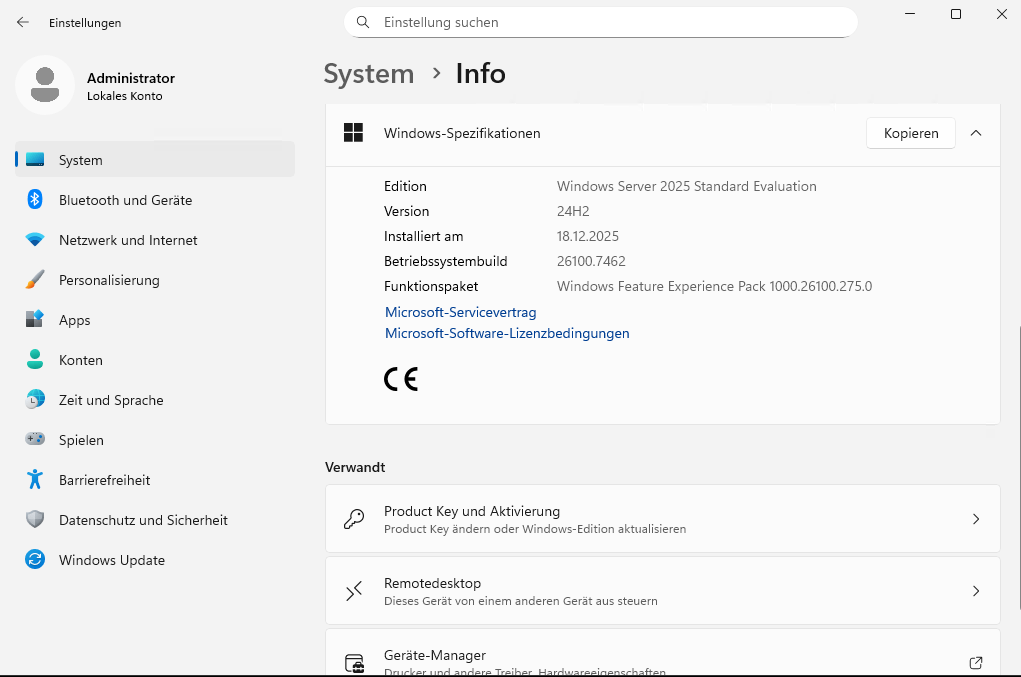
Windows Server 2025 offers several improvements compared to previous versions:
- enhanced security features 🔐
- modern management capabilities
- improved performance for remote access
- long-term support for enterprise environments
What matters most is not just the operating system, but how it is deployed.
🧱 Architecture: Windows Server as a virtual machine on Proxmox
I do not install Windows Server directly on bare metal. Instead, it runs:
➡️ as a virtual machine on Proxmox VE
Why Proxmox? 🧠
- 🟢 Open Source and transparent
- 🟢 Full server backups available at any time
- 🟢 Snapshots before updates or configuration changes
- 🟢 One-click restores in case of failure
- 🟢 Hardware-independent and future-proof
This approach keeps the Windows Server isolated, controllable, and recoverable, which significantly improves reliability and operational security.
👥 Centralized working environment for employees
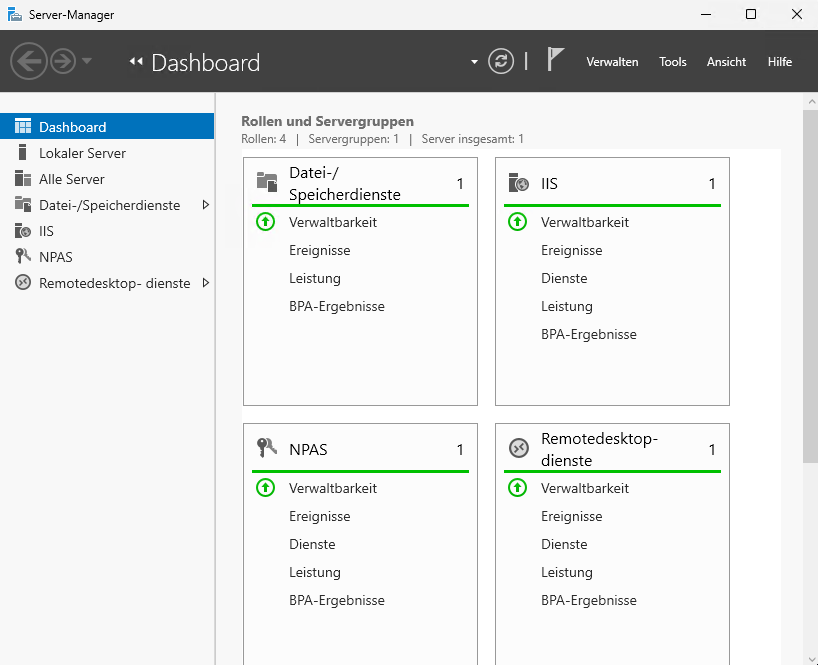
The Windows Server acts as a:
- central application and data server 🗄️
- platform for specialized business software
- user and file management system
- Remote Desktop (RDP) workplace
Employees can securely access the server:
- from the office
- from home (Home Office) 🏠
- or while traveling
and work directly on the server, without local installations or scattered data.
💸 Licensing – unfortunately complex and expensive
One point that must be addressed honestly: Microsoft licensing is costly and complicated.
To operate Windows Server 2025, you need:
- 🪪 Windows Server license
→ approx. €1,100, depending on edition and CPU cores
In addition, you will need:
- 👤 User CALs (Client Access Licenses)
→ a license for each user accessing the server - 🖥️ RDP CALs
→ required for Remote Desktop access
👉 In short:
You don’t just pay for the server—you pay for every user working with it.
This should be planned and budgeted realistically from the start.
🔐 Security and long-term viability
By combining:
- Proxmox (Open Source host platform)
- Windows Server (only where required for specific software)
- centralized management
- a solid backup and recovery strategy
companies gain a stable, secure, and scalable IT infrastructure that is ready for the future.
🤝 Free and non-binding consultation
If your company wants to modernize its IT infrastructure and needs a central, secure Windows Server that employees can access from anywhere—including Home Office—
I would be happy to prepare a free, non-binding proposal, tailored to:
- company size
- number of employees
- required software
- remote work needs
- security and backup requirements
📩 Feel free to get in touch—together we’ll find a pragmatic solution that may not be ideologically perfect, but fits your business perfectly.